
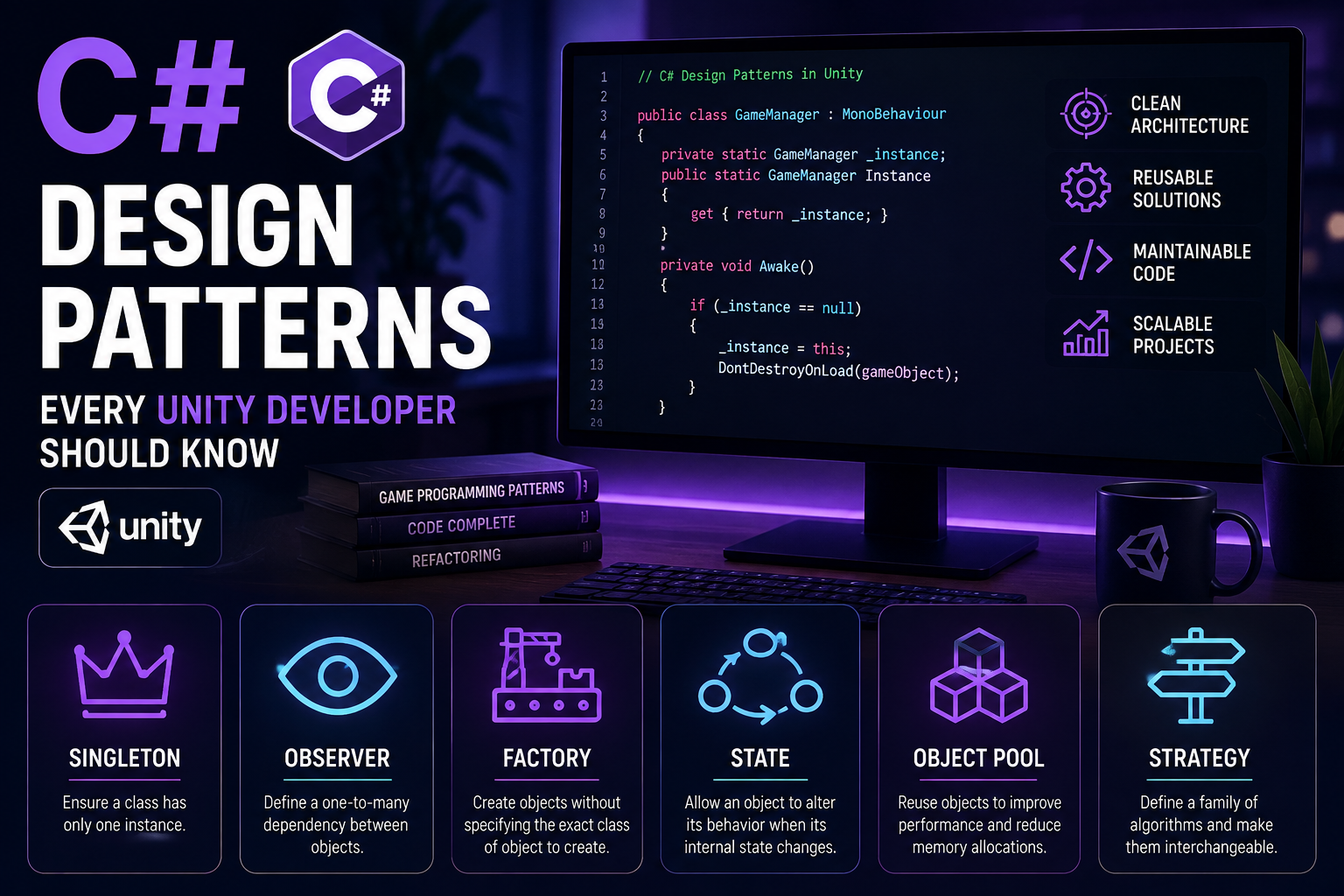
As Unity projects grow, writing everything inside MonoBehaviour scripts can quickly become difficult to maintain.
Design patterns provide reusable approaches for solving common software architecture problems.
You don’t need to use every pattern in every project. The goal is to understand when a pattern can make your code cleaner and easier to maintain.
1. Singleton Pattern
A Singleton provides a single instance of a class that can be accessed globally.
A simple Unity example:
public class GameManager : MonoBehaviour
{
    public static GameManager Instance { get; private set; }

    private void Awake()
    {
        if (Instance != null && Instance != this)
        {
            Destroy(gameObject);
            return;
        }

        Instance = this;
        DontDestroyOnLoad(gameObject);
    }
}
It can then be accessed using:
GameManager.InstanceCommon uses include:
- Game Manager
- Audio Manager
- Save Manager
- Settings Manager
However, avoid turning every system into a Singleton.
2. Observer Pattern
The Observer pattern is extremely useful for game events.
For example:
Player
  ↓
Health changed
  ↓
Event
  ↓
UI
Audio
VFX
Achievement system
Instead of directly connecting the player to every system, the player publishes an event.
public event Action<int> OnHealthChanged;Other systems can subscribe:
player.OnHealthChanged += UpdateHealthUI;This reduces dependencies between systems.
3. Factory Pattern
Factories are useful when you need to create different types of objects.
For example:
EnemyFactory
 ├── Zombie
 ├── Robot
 ├── Alien
 └── Boss
Instead of spreading object creation logic throughout your game, the factory handles it.
This becomes especially useful in games with many enemy types, weapons, or items.
4. State Pattern
The State pattern is extremely useful for gameplay AI.
An enemy might have:
Idle
 ↓
Patrol
 ↓
Chase
 ↓
Attack
 ↓
Dead
Instead of having a giant Update() method containing dozens of conditions, each state handles its own behavior.
5. Object Pool Pattern
Object Pooling is one of the most useful patterns for performance.
Instead of constantly creating and destroying objects:
Instantiate → Use → Destroyyou can use:
Pool
 ↓
Get object
 ↓
Use
 ↓
Return to pool
This is especially useful for bullets, enemies, particles, and effects.
Choosing the Right Pattern
Don’t use design patterns simply because they exist.
Ask:
Does this pattern make the code easier to understand, test, maintain, or extend?
If the answer is no, you probably don’t need it.
Good architecture should make your game easier to develop—not make the code unnecessarily complicated.